HTML Link Exercises
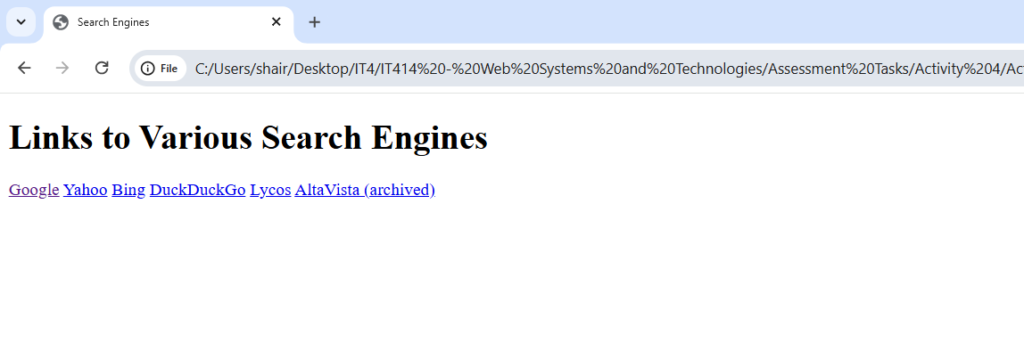
Exercise 1: Search Engine
<!DOCTYPE html>
<html>
<head>
  <title>Search Engines</title>
</head>
<body>
  <h1>Links to Various Search Engines</h1>

<a href="https://www.google.com" target="_blank">Google</a>
<a href="https://www.yahoo.com" target="_blank">Yahoo</a>
<a href="https://www.bing.com" target="_blank">Bing</a>
<a href="https://duckduckgo.com" target="_blank">DuckDuckGo</a>
<a href="https://search.lycos.com" target="_blank">Lycos</a>
<a href="https://www.altavista.com" target="_blank">AltaVista (archived)</a>

</body>
</html>
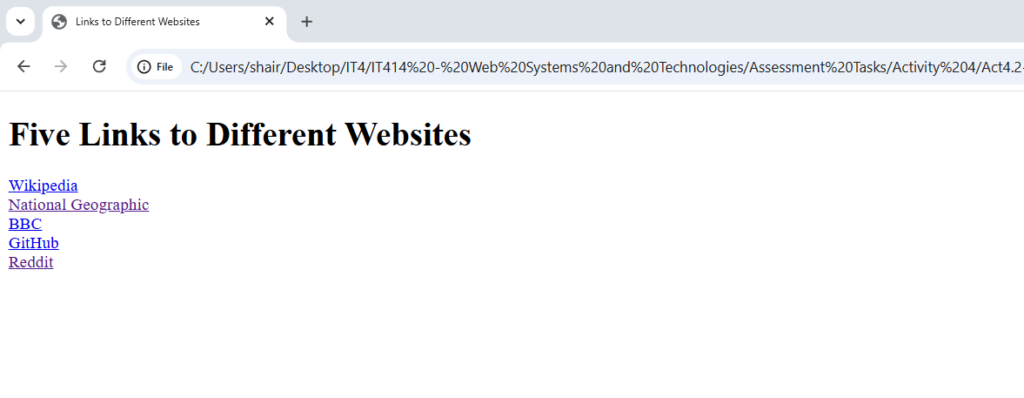
Exercise 2 : Link to Different Websites
<!DOCTYPE html>
<html>
<head>
  <title>Links to Different Websites</title>
</head>
<body>
  <h1>Five Links to Different Websites</h1>

  <a href="https://www.wikipedia.org" target="_blank">Wikipedia</a><br>
  <a href="https://www.nationalgeographic.com" target="_blank">National Geographic</a><br>
  <a href="https://www.bbc.com" target="_blank">BBC</a><br>
  <a href="https://www.github.com" target="_blank">GitHub</a><br>
  <a href="https://www.reddit.com" target="_blank">Reddit</a><br>

</body>
</html>
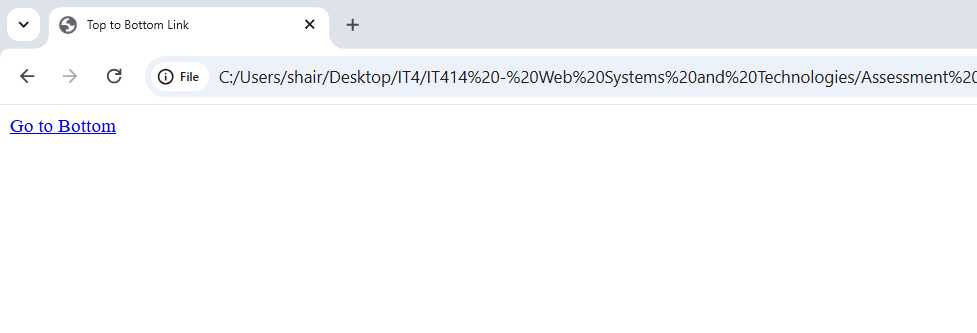
Exercise 3 : Top to Bottom Link
<!DOCTYPE html>
<html>
<head>
  <title>Top to Bottom Link</title>
</head>
<body>
  <a href="#bottom">Go to Bottom</a>

  <p style="margin-top: 1000px;">(Lots of space to scroll...)</p>

  <a name="bottom"></a>
  <p>You’ve reached the bottom of the page!</p>
</body>
</html>
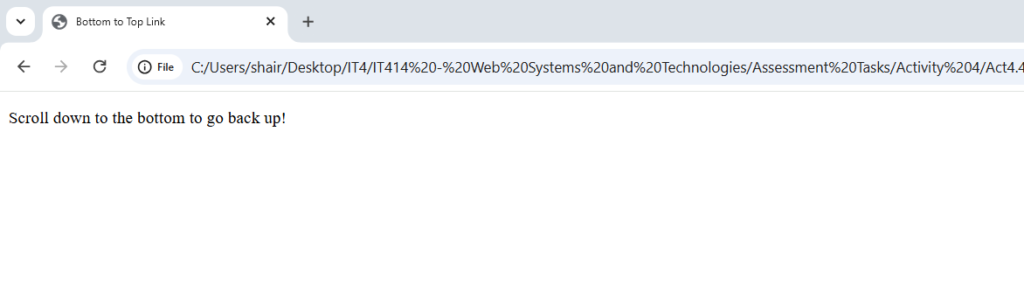
Exercise 4: Bottom to Top Link

<!DOCTYPE html>
<html>
<head>
  <title>Bottom to Top Link</title>
</head>
<body>

  <p style="margin-bottom: 1000px;">Scroll down to the bottom to go back up!</p>

  <a name="bottom"></a>
  <a href="#top">Go to Top</a>

  <a name="top"></a>
</body>
</html>
Exercise 5 : Top and Bottoms Links
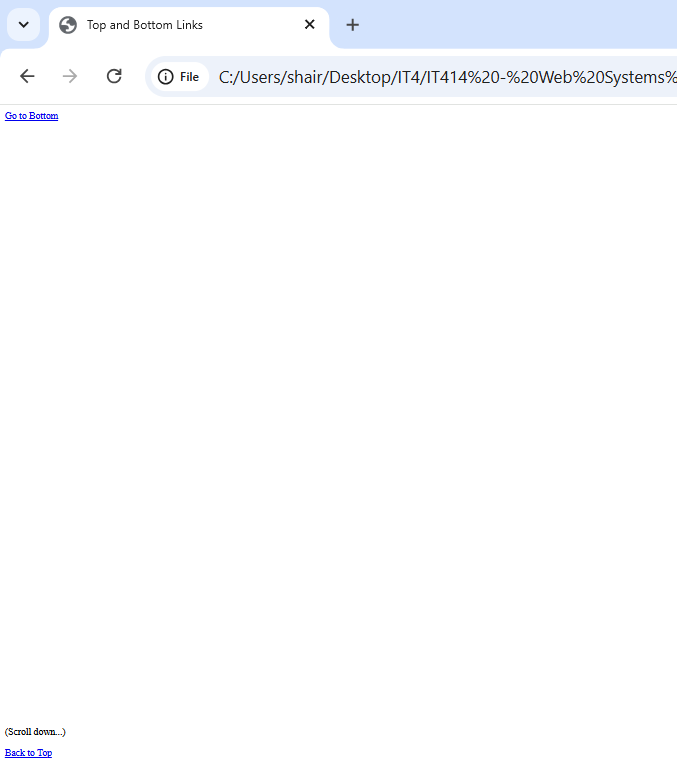
<!DOCTYPE html>
<html>
<head>
  <title>Top and Bottom Links</title>
</head>
<body>

  <a name="top"></a>
  <a href="#bottom">Go to Bottom</a>

  <p style="margin-top: 1000px;">(Scroll down...)</p>

  <a name="bottom"></a>
  <a href="#top">Back to Top</a>

</body>
</html>
Learnings
I know how to use the anchor tag to create clickable links that connect web pages together. I am comfortable using the href attribute to point to external websites or specific files within my own project folder. I also understand how to control navigation, such as making links open in a new browser tab.