I
Image Exercises
Exercise 1 : Five different images
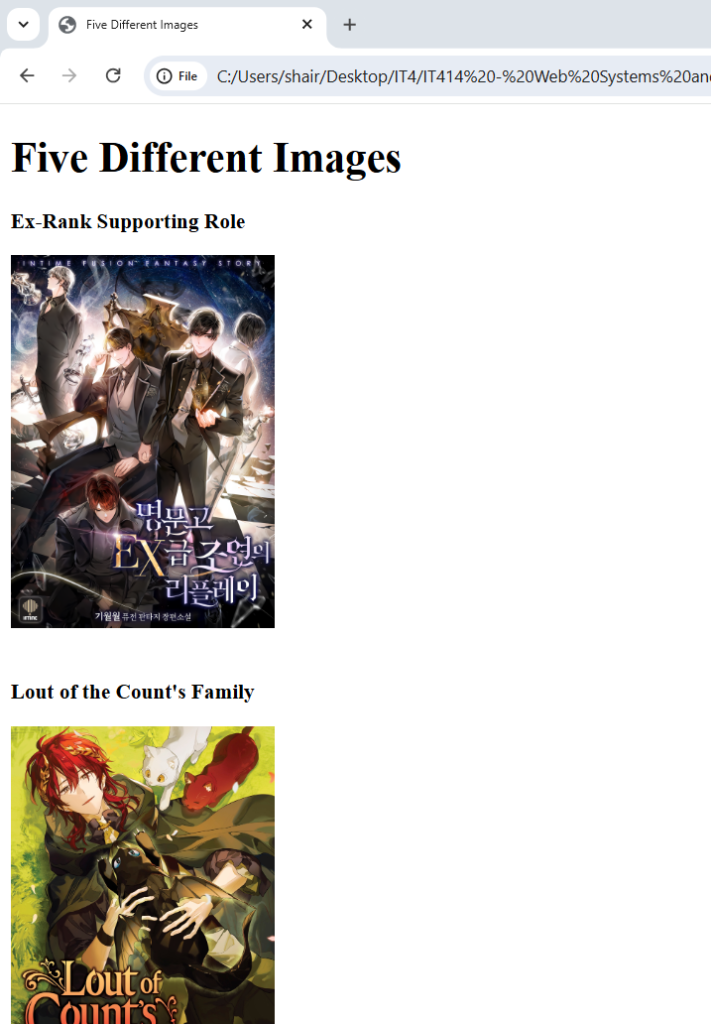
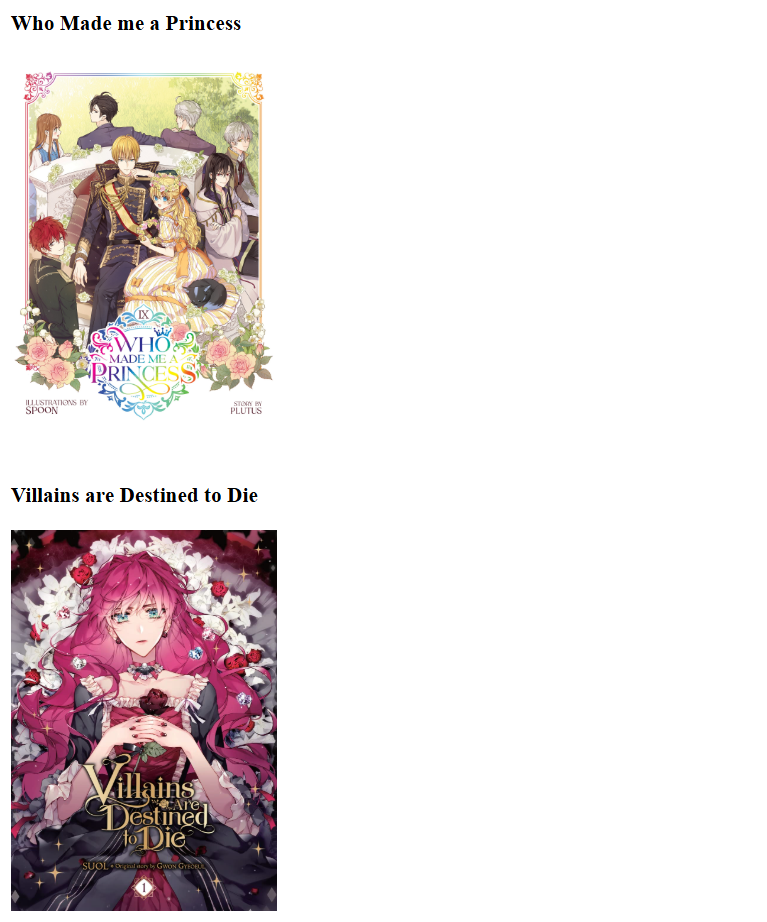
<!DOCTYPE html>
<html>
<head>
  <meta charset="utf-8">
  <title>Five Different Images</title>
</head>
<body>

<h1>Five Different Images</h1>

<p><strong>Ex-Rank Supporting Role</strong></p>
<img src="https://cdn.novelupdates.com/images/2022/04/Ex-Rank-Supporting-Roles-Replay-in-a-Prestigious-School.png" width="200" alt="Ex-Rank">
<br><br>

<p><strong>Lout of the Count's Family</strong></p>
<img src="https://cdn2.penguin.com.au/covers/original/9798891608962.jpg" width="200" alt="Lout of the Family">
<br><br>

<p><strong>Who Made me a Princess</strong></p>
<img src="https://cdn2.penguin.com.au/covers/original/9798891601154.jpg" width="200" alt="Anathasia">
<br><br>

<p><strong>Villains are Destined to Die </strong></p>
<img src="https://images-na.ssl-images-amazon.com/images/S/compressed.photo.goodreads.com/books/1667409380i/63206981.jpg" width="200" alt="Penelope Eckhart">
<br><br>

<p><strong>From Thug to Idol</strong></p>
<img src="https://encrypted-tbn0.gstatic.com/images?q=tbn:ANd9GcS5bY99zSJZm8bGRWsK2aZNfnXoAU5-8jYtXw&s" width="200" alt="Thug to Idol">

</body>
</html>
Exercise 2 : Image with border
<!DOCTYPE html>
<html>
<head>
  <meta charset="utf-8">
  <title>Image with Border</title>
</head>
<body>

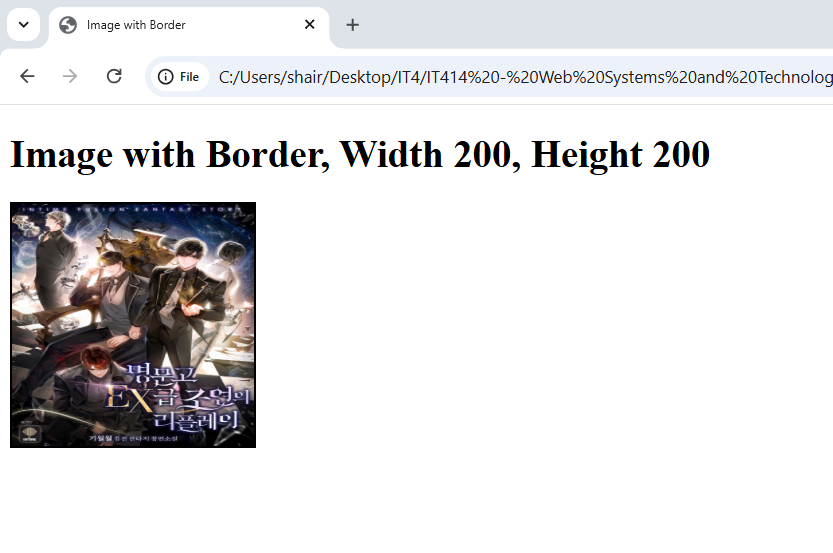
<h1>Image with Border, Width 200, Height 200</h1>

<img src="https://cdn.novelupdates.com/images/2022/04/Ex-Rank-Supporting-Roles-Replay-in-a-Prestigious-School.png"
     width="200" height="200"
     style="border: 2px solid black;"
     alt="Bordered Image">

</body>
</html>
Exercise 3: Clickable Image
<!DOCTYPE html>
<html>
<head>
  <meta charset="utf-8">
  <title>Image Link to Search Engine</title>
</head>
<body>

<h1>Clickable Image Linking to Google</h1>

<a href="https://www.google.com" target="_blank">
  <img src="https://www.gstatic.com/marketing-cms/assets/images/34/97/256eede64e73b4b62a43ce313200/g-3a-socialshare.png=n-w1440-h810-fcrop64=1,0000114effffee75-rw">
</a>

</body>
</html>
Exercise 4 : Clickable Image Linking to itself
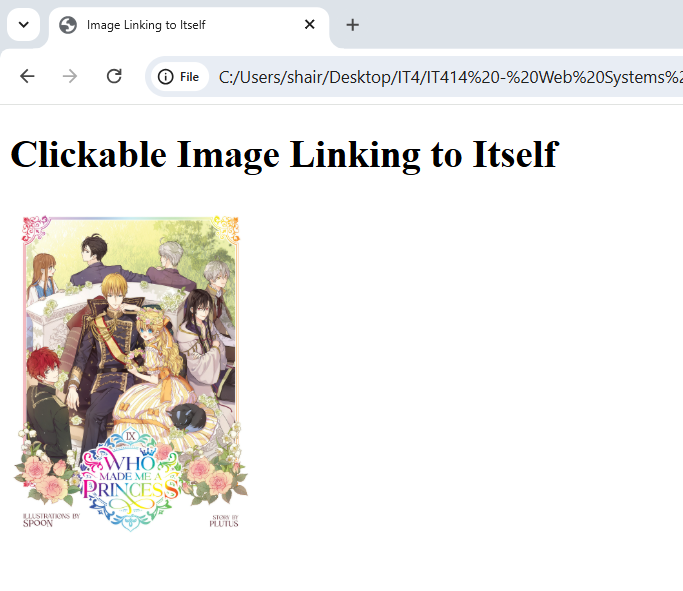
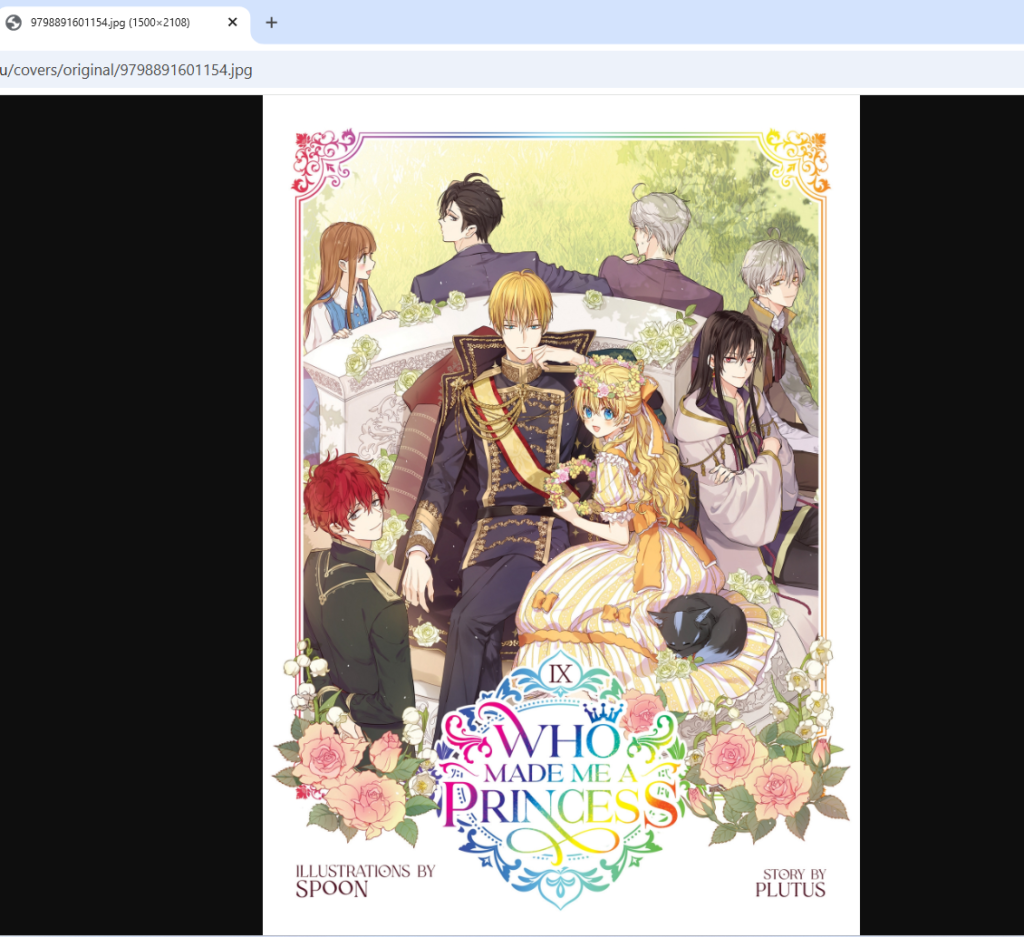
<!DOCTYPE html>
<html>
<head>
  <meta charset="utf-8">
  <title>Image Linking to Itself</title>
</head>
<body>

<h1>Clickable Image Linking to Itself</h1>

<a href="https://cdn2.penguin.com.au/covers/original/9798891601154.jpg" target="_blank">
  <img src="https://cdn2.penguin.com.au/covers/original/9798891601154.jpg"
       width="200"
       alt="Self-Linking Image">
</a>

</body>
</html>
Learnings
I found it interesting that if I force both the height and width to specific numbers, the picture often gets stretched or squashed, so I learned it is better to adjust just one side to keep the proportions natural.